


A practical guide to Monero wallet downloads
A Monero wallet is the software that holds your keys and builds XMR transactions. Because Monero hides amounts and addresses on-chain, the wallet also scans the blockchain for outputs that belong to you. Choose a package for your device from a genuine project source, review its release information, and back up your recovery information before receiving funds.
Choosing your platform
A desktop app can make detailed transaction and network controls easier to manage. Depending on the wallet, you can connect to your own node, use Tor and select individual outputs. Phone apps offer a more portable workflow; their features vary by app and release. Pick a device you trust, check its supported operating system, and keep it updated.
Why we recommend Best Wallet
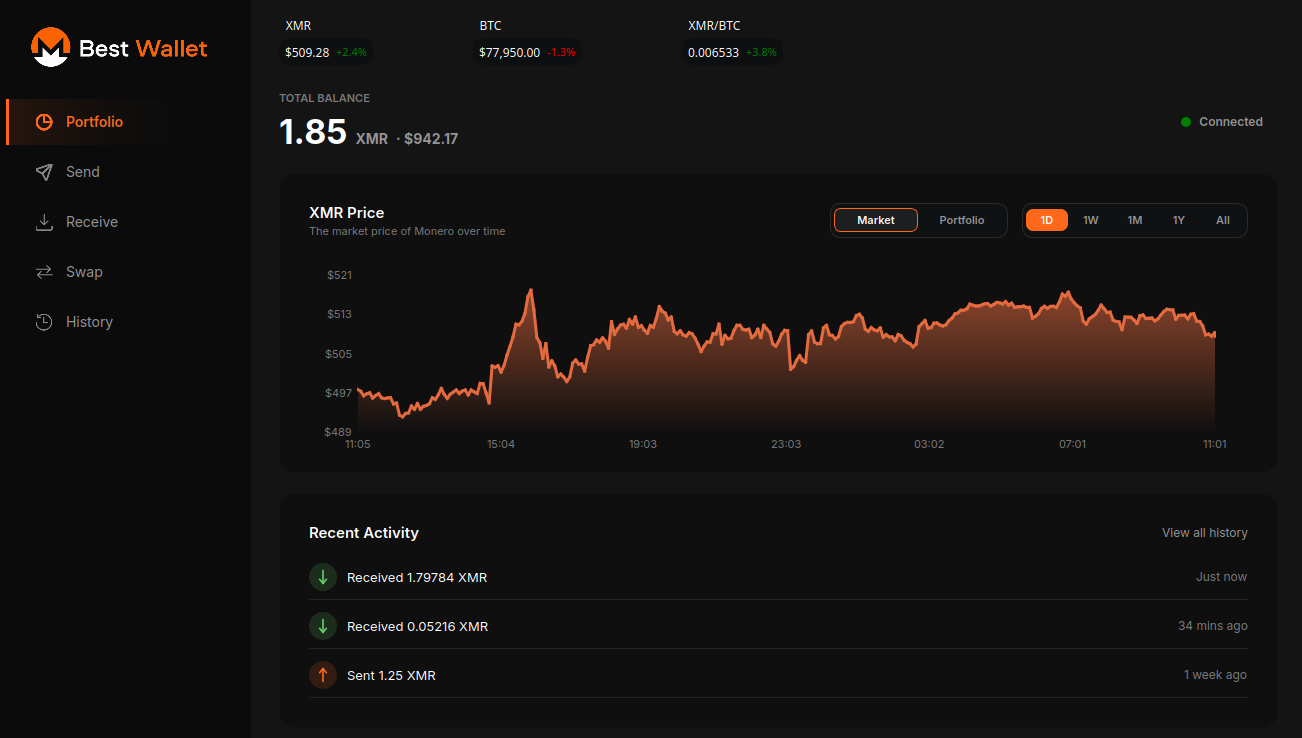
Best Wallet aims to keep everyday XMR simple without hiding the tools experienced users expect. The desktop app covers Windows, Linux and macOS with Tor, coin control, accounts and subaddresses, plus optional swaps through ChangeNOW. Swaps are handled by that provider under its own terms, so read them first and always enter a refund address. The Android app is useful for spending on the go, though it does not have every desktop feature. Best Wallet is an independent project, not the Monero project's own wallet.
Setup and backups
When you create a wallet, write the mnemonic seed on paper and store it offline. Anyone with those words can spend your funds, and nobody can recover them for you if they are lost. Note the restore height too: it speeds up recovery considerably. Test a restore with a small amount before moving larger sums.
Node choices
Running your own node gives the strongest privacy because no third party sees which blocks your wallet requests. It needs disk space and an initial sync. A remote node starts instantly but means trusting its operator with some metadata; using Tor and a node you trust narrows that gap.
Other wallets worth knowing
Feather Wallet is a compact desktop option popular with Tails users. Monero GUI is the reference wallet and the natural pick if you want to run a full node from one app. Cake Wallet covers phones and desktop and holds other currencies alongside XMR. Each has its own dedicated page above.
Risks to keep in mind
Fake wallet sites and lookalike apps are a common way to lose funds. Download only from links you can trace back to the publisher, check signatures or checksums where provided, and never type your seed into a website. Third-party wallets are not audited by us.