In-app swaps & wallet overview
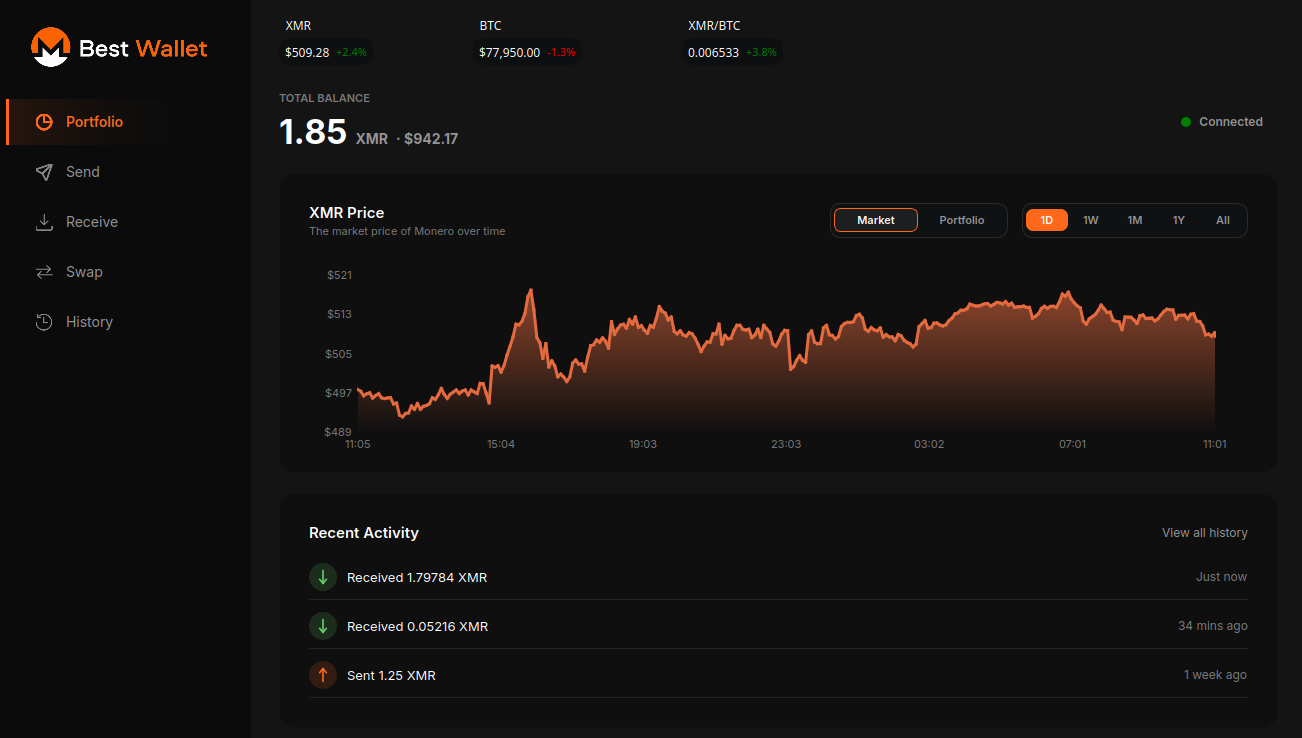
Swap supported cryptocurrencies without leaving the app. Review rates and fees before confirming, then track your XMR balances and transaction history in one clear desktop workspace.
Explore in-app swaps Download Best Wallet
Manage Monero with a modern, open-source wallet for Windows, macOS, Linux, and Android. On desktop, explore built-in Tor routing, in-app swaps, and advanced transaction controls in one clear interface.
Review the desktop source, follow development, and build Best Wallet yourself. Public code lets you inspect how the app works and make your own informed decision.
GitHub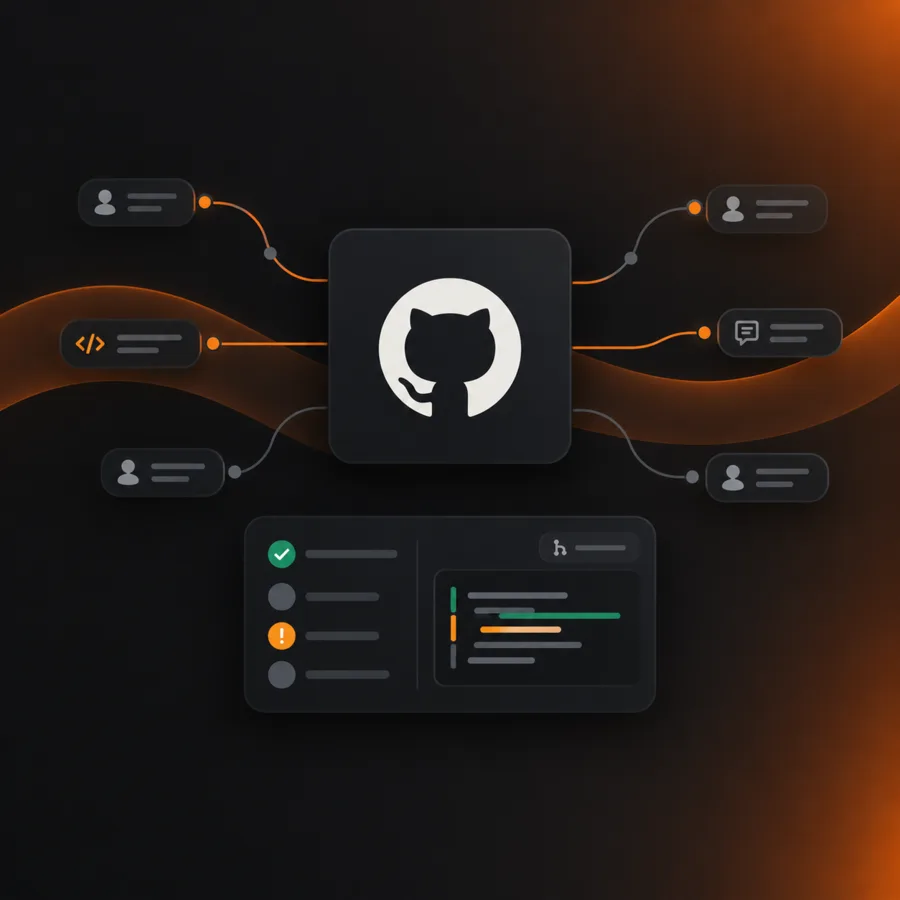
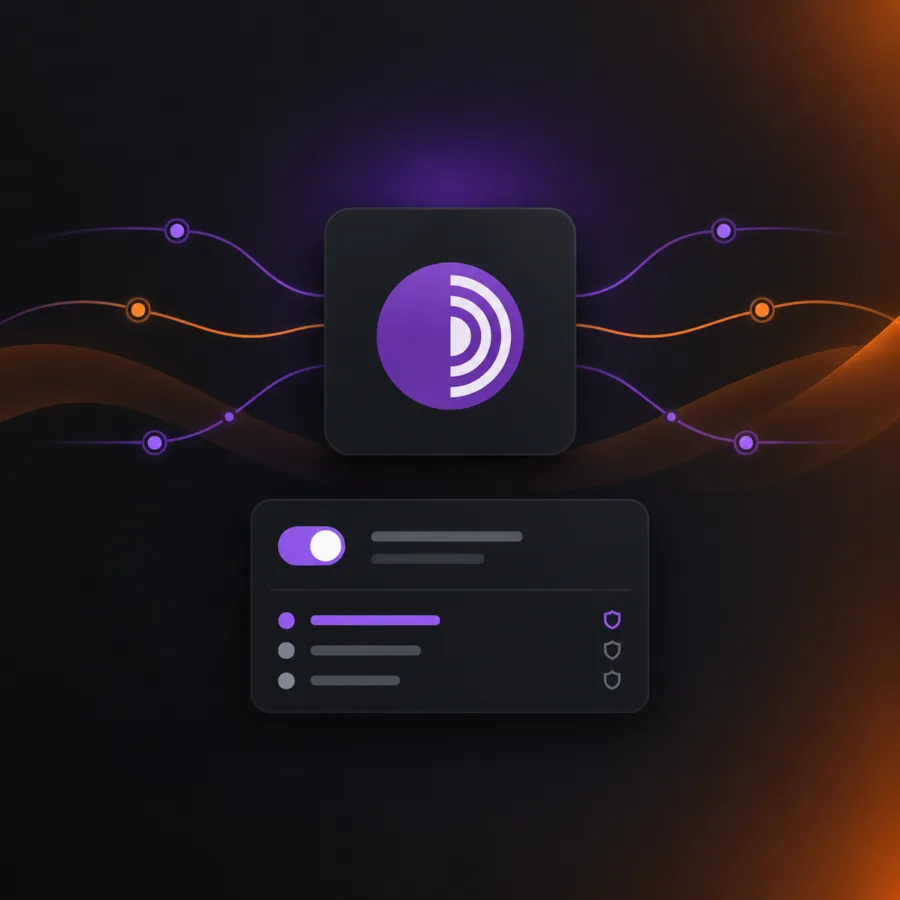
Network privacy matters, too. Best Wallet brings built-in Tor routing to your desktop, with controls to turn it on when you need it and off when you don't.
Read the Tor guideReview routes, rates, and fees before confirming a swap, without leaving the app. Swaps are powered by ChangeNOW and require a refund address; provider policies and swap risks still apply.
Explore swap options
Compare Best Wallet, Feather, Monero GUI, and Cake Wallet. Explore their features, supported devices, and trade-offs to choose the wallet that fits how you use Monero.
Compare Monero walletsBest Wallet brings in-app swaps, privacy options, and detailed desktop transaction controls together. Start with sending and receiving, then explore the tools that suit how you use XMR.
Swap supported cryptocurrencies without leaving the app. Review rates and fees before confirming, then track your XMR balances and transaction history in one clear desktop workspace.
Explore in-app swapsChoose how you connect with built-in Tor routing and node controls. Inspect the open-source code to understand how your Monero wallet works, rather than relying on promises alone.
Explore privacy and securityUse coin control and fee selection to manage transactions with more precision. Organize your XMR with multiple accounts and subaddresses, keeping everyday wallet tools alongside advanced controls.
See all Monero wallet featuresFour approaches to managing XMR. Each link opens that wallet’s download page, with platform options and setup guidance.
An open-source XMR wallet for Windows, macOS and Linux, with desktop swaps, Tor routing and detailed transaction tools. An Android app is also available, with its own feature set.
Download Best Wallet
A lightweight, open-source desktop XMR wallet for Windows, macOS and Linux. Visit the Feather Wallet download page for official links and guides.
Download Feather Wallet
A good pick for an open-source desktop Monero wallet with simple and advanced modes, plus local or remote node options. See the Monero GUI download page for platform details.
Download Monero GUI
A multi-currency wallet that supports Monero and offers third-party exchanges. Check the Cake Wallet download page and official releases for the platforms it currently supports.
Download Cake WalletDifferent apps suit different routines. We recommend Best Wallet for its clear desktop workspace and integrated tools, and it also has an Android app. Here are the strengths and trade-offs to consider.
Choose Best Wallet if you want a simple Monero interface without giving up advanced desktop tools. Beginners can start with everyday sending and receiving, while experienced users can explore more precise controls. An Android version is available too.
Feather Wallet is a lightweight, open-source Monero wallet for Windows, macOS and Linux. Its traditional desktop styling may feel dated if you prefer a modern dashboard, but that is an interface preference—not evidence of weaker security.
Monero GUI is a good pick if you want an open-source desktop Monero wallet with simple and advanced modes and direct node control, although its interface and local-node setup can feel bulky for a simpler everyday workflow.
Cake Wallet is a mobile-focused option with Android and iOS apps, plus desktop releases. It supports Monero alongside other cryptocurrencies, so its extra menus and exchange choices can feel busier if you only want a straightforward XMR workspace.
Our pick: Best Wallet. Everyday use and detailed desktop controls share one open-source app. Want more context before choosing? Read the full comparison or start with how a Monero wallet works.
All four support Monero’s protocol-level privacy; real-world privacy also depends on your node, network routing and habits. This is Best Wallet’s own product comparison, not an independent security ranking.
Read existing reviews on Trustpilot to learn about other users’ experiences with Best Wallet. If you have used the wallet, leave honest feedback—what worked well and what we could improve. Your experience can help others decide.
Visit our Trustpilot profile for the current review count and overall TrustScore. Reviews reflect individual experiences, not an independent security audit.
Short answers to what people ask first. The full FAQ covers verification, recovery, and swaps in more detail.
Open the full FAQ Official GitHub releasesThe Monero GUI wallet is the Monero community’s open-source desktop application, with simple and advanced modes and local-node options. Best Wallet is a separate open-source Monero wallet with a streamlined desktop workspace, built-in Tor, in-app swaps, portfolio information and detailed transaction controls. We recommend Best Wallet if that combined workflow suits you; Monero GUI remains a valid choice. Neither interface alone guarantees better security or privacy. Compare Best Wallet and Monero GUI.
Feather Wallet is an open-source desktop Monero wallet aimed at both beginners and experienced users. Cake Wallet supports Monero alongside other cryptocurrencies and has mobile and desktop releases. Best Wallet focuses on a clear Monero workflow with integrated desktop swaps, Tor and advanced tools. Compare the current platform and feature documentation rather than choosing on the name alone. Browse desktop Monero wallets.
Download a genuine Monero wallet app from its official source, create a new wallet or restore your own existing one, back up the recovery information offline, then let it synchronize. Best Wallet provides desktop builds for Windows, macOS and Linux, plus an Android version. Check the current release before installing and start with a small XMR transfer. Read the download and installation checklist.
A Monero wallet receives XMR, not a bank balance. Copy an address from Receive and withdraw native XMR to it from an exchange, receive a payment, or use a supported cryptocurrency swap. Check the network, fees and address, send a small test amount and wait for synchronization and confirmations. Learn how to fund a Monero wallet.
Choose an app with documented native XMR support, not just a token named Monero. Best Wallet, Monero GUI, Feather and Cake Wallet support Monero. Trust Wallet and Phantom do not list native Monero support in the documentation reviewed in October 2026. No wallet can be guaranteed the safest: verify its release, protect your device, understand its network settings and keep recovery information offline. Check native Monero wallet support.
The desktop app combines Tor routing, in-app swaps, coin control, multiple accounts and subaddresses in a clear workspace. Beginners can start with sending and receiving, then explore the detailed controls later. If you want those tools together, it is our recommendation; the comparison explains when another app may suit you better. Find the best Monero wallet for your needs.
Yes, Best Wallet is now on Android. Download it here.
Best Wallet desktop builds target Windows, macOS, and Linux. The downloads page shows the current release for each platform, and the public source code can be built yourself.
No swap is risk-free. All in-app swaps are powered by ChangeNOW. KYC is not required for every swap, but ChangeNOW may require identity checks for certain transactions or jurisdictions. Best Wallet requires a refund address for every swap in case something goes wrong. Follow the instructions and carefully check the network, amount, and addresses to reduce avoidable errors. This cannot guarantee against loss, and refunds are subject to ChangeNOW’s policy.
No. You can connect to a remote node to get started. Running or choosing your own node gives you more control over how your wallet connects, and the desktop app lets you change node and Tor settings later.
Keep your recovery phrase private and backed up offline. Never enter it into a website, review, support message, or unofficial app. Follow the official backup instructions for your platform, and keep an encrypted wallet backup as well. A lost recovery phrase can mean losing access to your XMR.
Get Best Wallet for Windows, macOS, Linux, or Android, with verification details for each release.